A command bar for Finder
Tell Finder
what you want.
Select the files. Say the outcome. Sift handles the repetitive steps without pulling you out of the folder you're already in.
macOS 14+ · Apple Silicon and Intel · signed and notarized
select all pngcrop squareselect largestmake a 3-second clipmerge two pdfszip
Real Sift · Real Finder
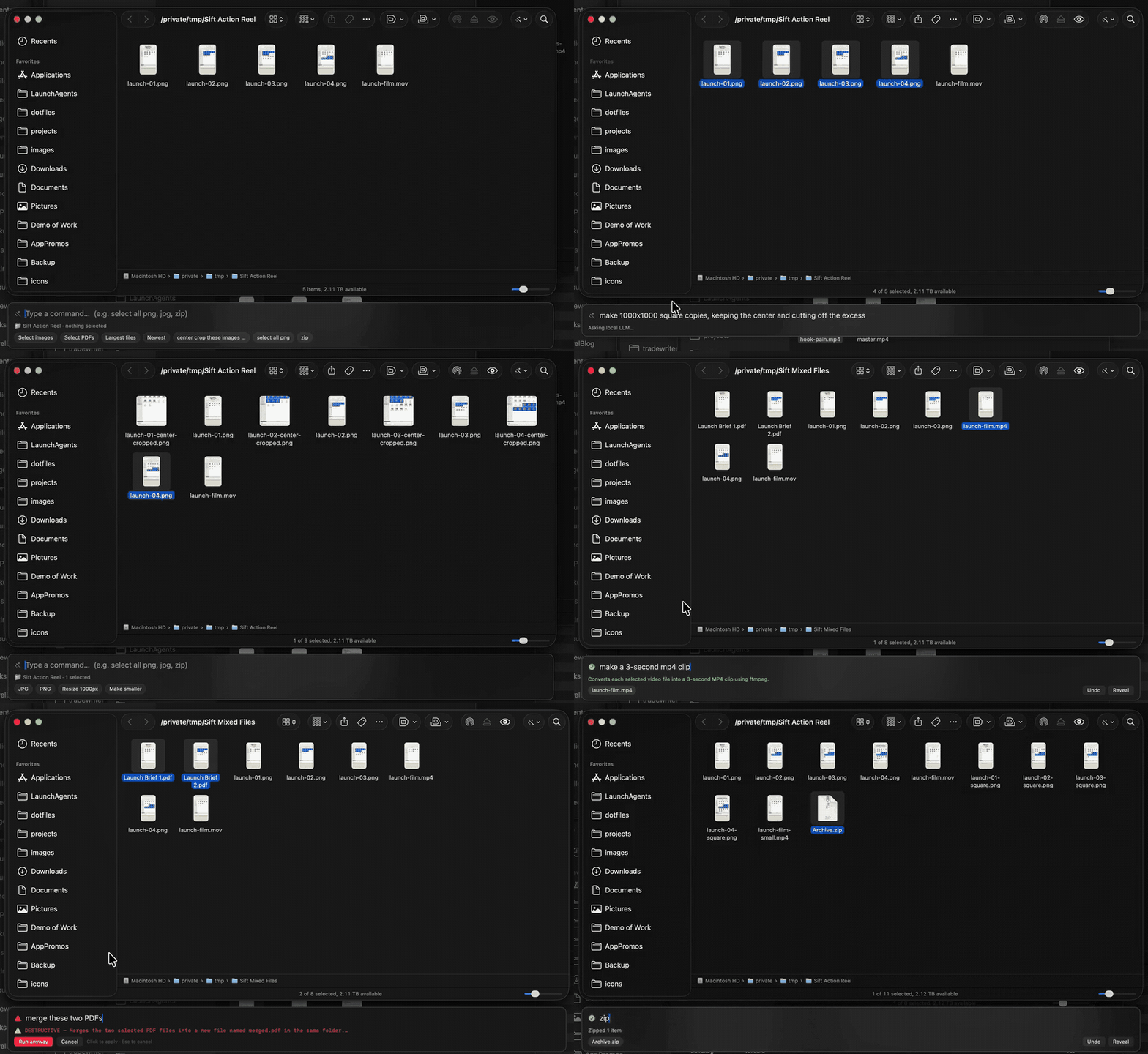 Images, video, PDFs, and archives—without leaving Finder.
Native Finder workflowNo separate file browser
Local-firstYour files stay on your Mac
ReviewableSee risky work before it runs
01
make 1000×1000 square copies, keeping the center
Crop for the destination.
Ask for exact dimensions in plain language. Sift plans the batch locally, shows the output names, and creates the square copies beside the originals.
Local model · Reviewed
02
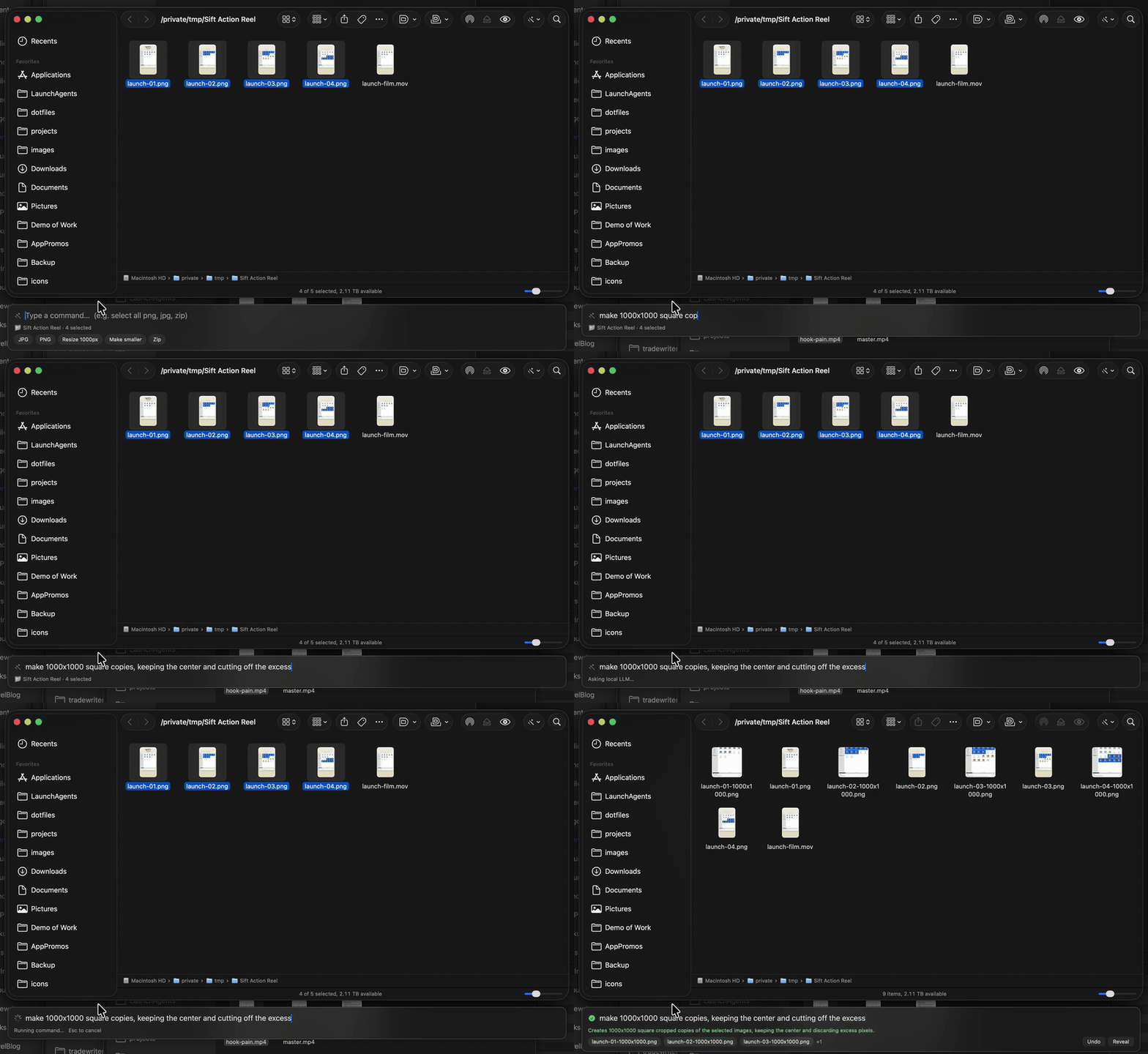
make a 3-second mp4 clip
Cut the clip you need.
Turn a selected six-second MOV into a three-second MP4 without opening another app. The original stays right where it is.
6 seconds → 3 seconds
03
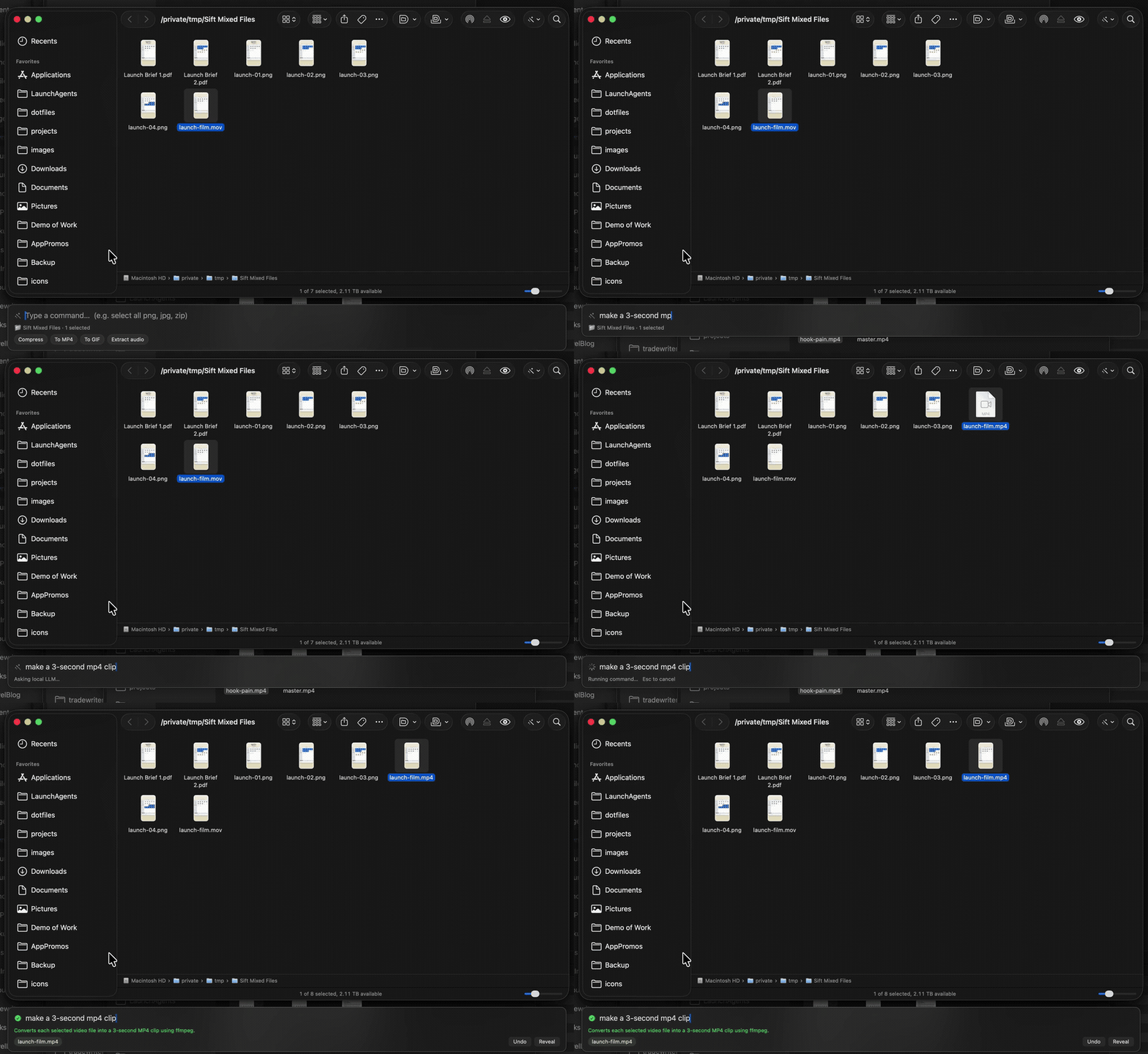
merge these two PDFs
Make one finished document.
Combine two selected PDFs into one file beside the originals. Sift shows the exact plan before anything changes.
2 PDFs → 1 PDF
04
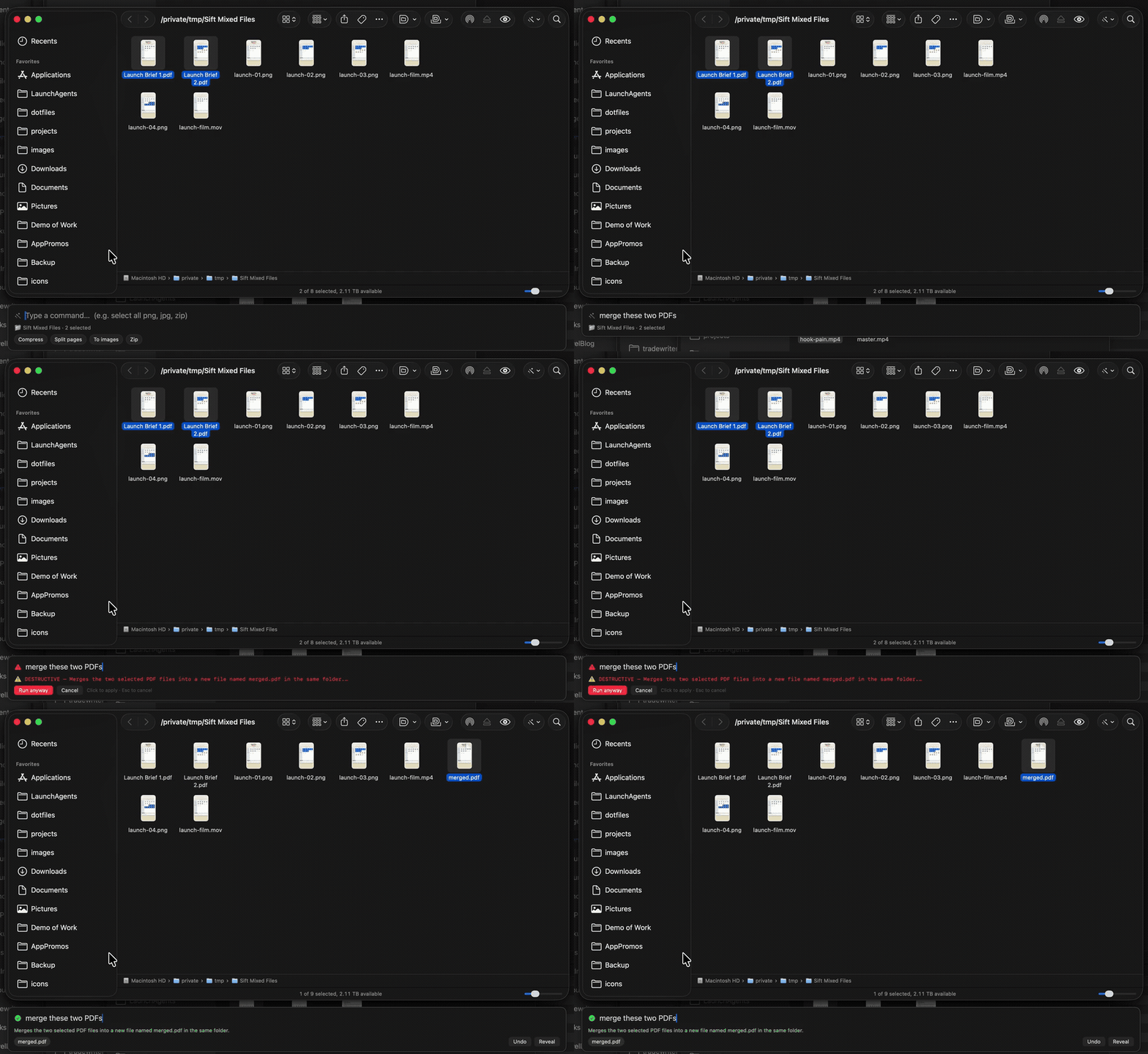
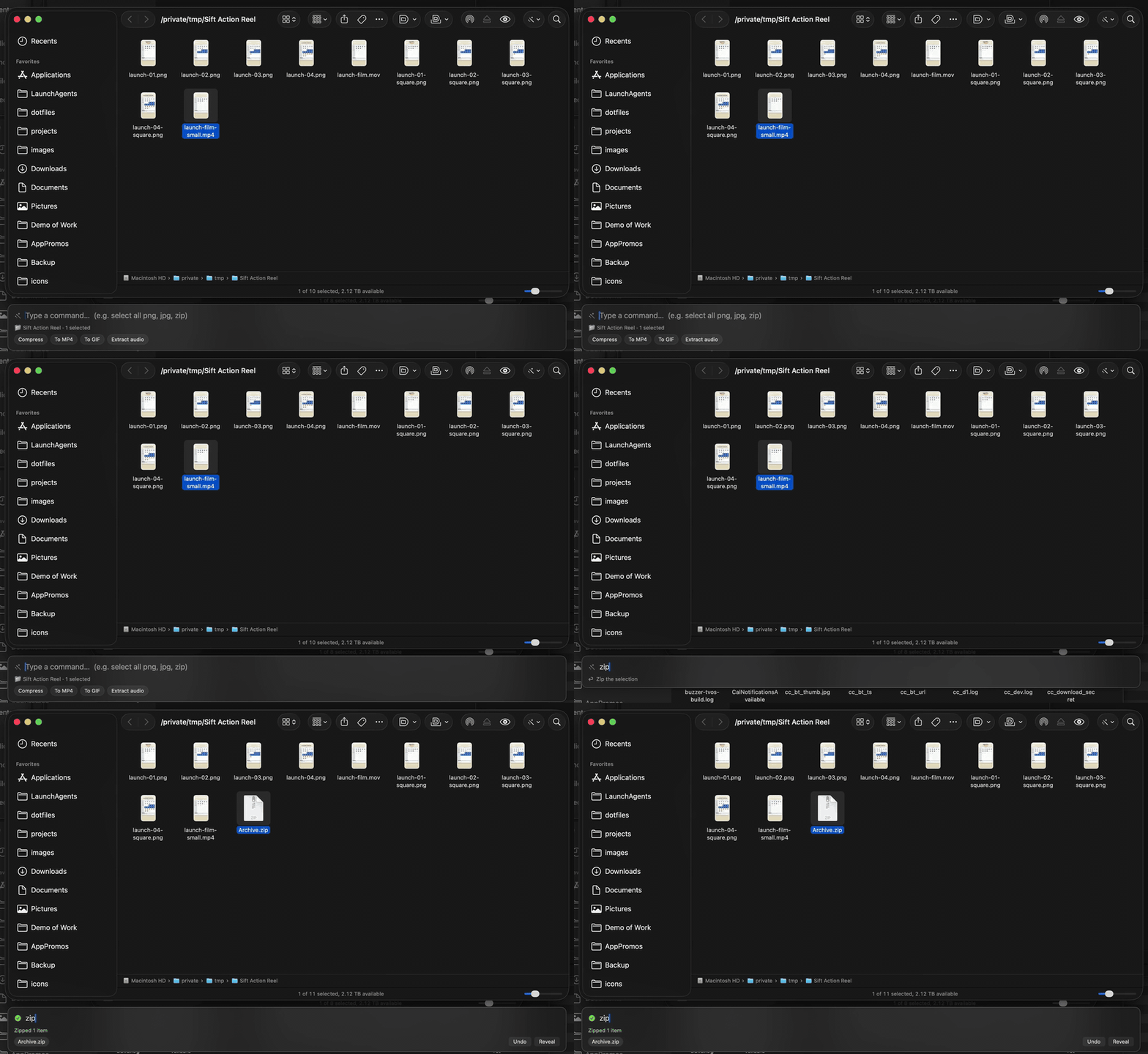
zip
Package it. Move on.
Create an archive from the selected output. Sift reveals the result, keeps it selected, and leaves Undo one click away.
Built-in · Offline
More than presets
From file chores
to finished folders.
⌕Select precisely
By type, size, date, or a plain-language description.
Transform in batches
Images, video, audio, PDFs, filenames, metadata, and archives.
Stay in control
Progress, cancellation, Activity, Reveal, and filesystem-checked Undo.
Local-first by construction
Your files stay
on your Mac.
No cloud account. No telemetry. No mystery automation.
- 01
Built-ins need no AI.Selection, conversion, and ZIP actions run instantly and offline.
- 02
Bring your own local model.Use Ollama or another OpenAI-compatible endpoint for long-tail requests.
- 03
Review before files change.Model-generated writes show the exact command. Risky work requires a click.
Less clicking around
More finished folders.
Try every feature free for 14 days. Keep it for $14.99 once.