Swipe typing
Slide the stick across the letters of a word and the SHARK2 engine—the same shape-writing used by phone keyboards—resolves it.
- Slide Across letters
- Predict Best-match word
- Lift Commit
Hold a trigger to pop up the on-screen keyboard, then swipe across the letters to type whole words—word prediction fills in the rest. No physical keyboard, no reaching for the desk.
Free for 14 days. No account or credit card required.
Snippets expand variables like the date, time, and username.
The keyboard is a floating overlay you summon with a button and dismiss when you are done. Type into whatever app has focus—chat, a search bar, an editor—without touching a physical keyboard.
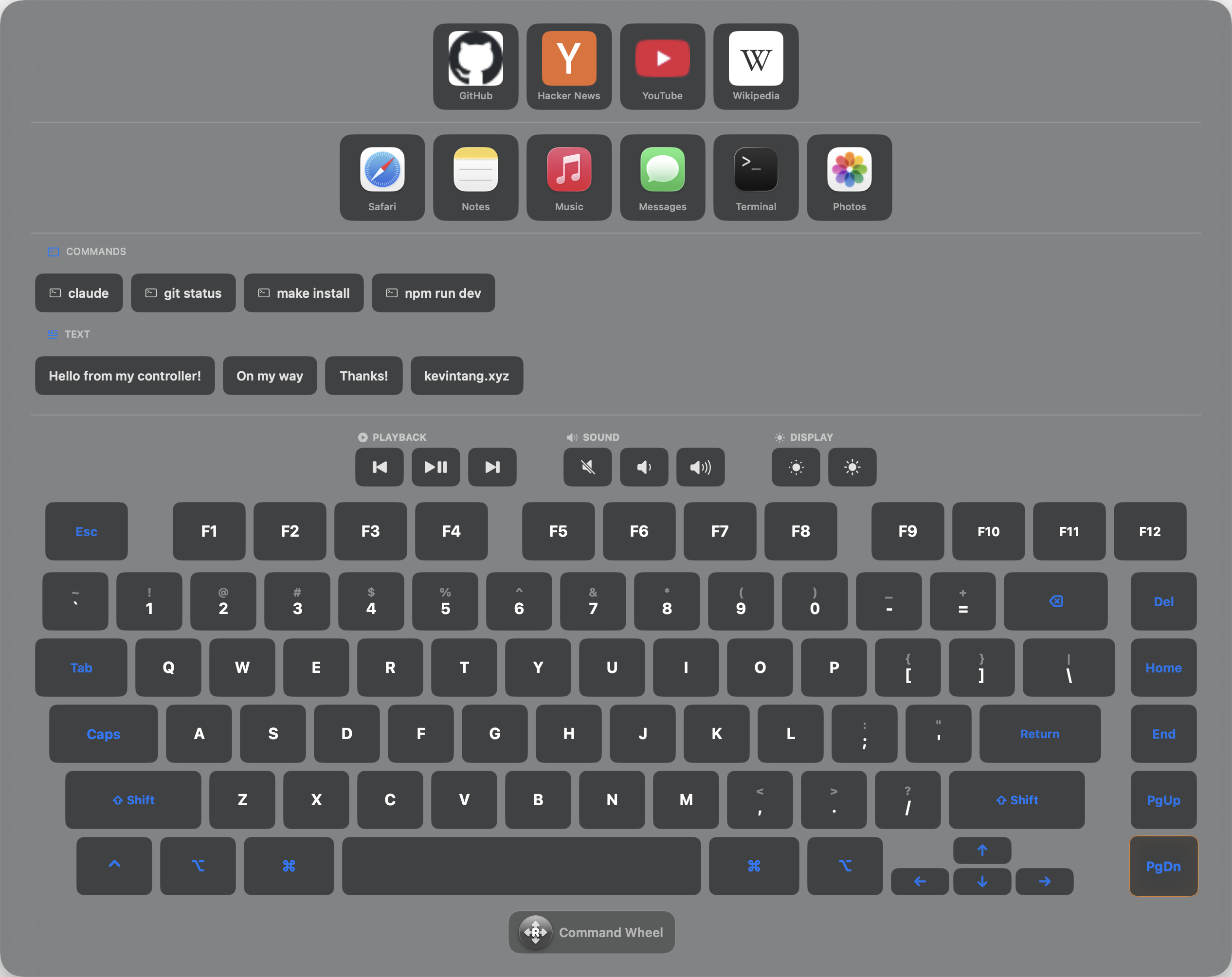
Pick whichever is fastest for the moment—shape-write a word, walk the keys precisely, or drop a whole block of canned text with one press.
Slide the stick across the letters of a word and the SHARK2 engine—the same shape-writing used by phone keyboards—resolves it.
For precise entry, walk key to key with the D-pad; the focused key is highlighted so you always know where you are.
Store canned text with variables, run terminal commands, launch apps, open links, and hit playback and volume keys.
Grant Accessibility access so the app can send keystrokes to any app.
Connect any supported pad over Bluetooth or USB in System Settings.
Assign a button or trigger to open and close the on-screen keyboard.
Save the text you type often, with variables, and set up your app bar and links.
Bind any button or trigger to toggle the floating on-screen keyboard, then dismiss it with the same button.
Yes. It uses the SHARK2 shape-writing algorithm—the same class of engine phone keyboards use—so a rough slide resolves to the right word.
Yes. Walk key to key with the D-pad and press to select. The focused key is highlighted the whole time.
Into whatever app has focus—the keyboard sends real keystrokes system-wide, so it works everywhere.
Free for 14 days. No account or credit card required. A lifetime license is $19.99 after the trial.