Local LLM Server Pro
Apple Intelligence as a Local API
Connect your scripts and apps to Apple’s on-device language model through selected OpenAI and Ollama-compatible endpoints. Pro removes ads and the daily request quota. Inference stays on your device.
No ads. No daily request quota. A one-time purchase for local API workflows. Apple’s model context and device limits still apply.
Note: Requires an Apple Intelligence-capable device, iOS/iPadOS 26 or later (macOS 26 or later on a compatible Apple silicon Mac), Apple Intelligence enabled, and its model ready. It does not load custom GGUF or Hugging Face models. Check requirements before buying.
Screenshots
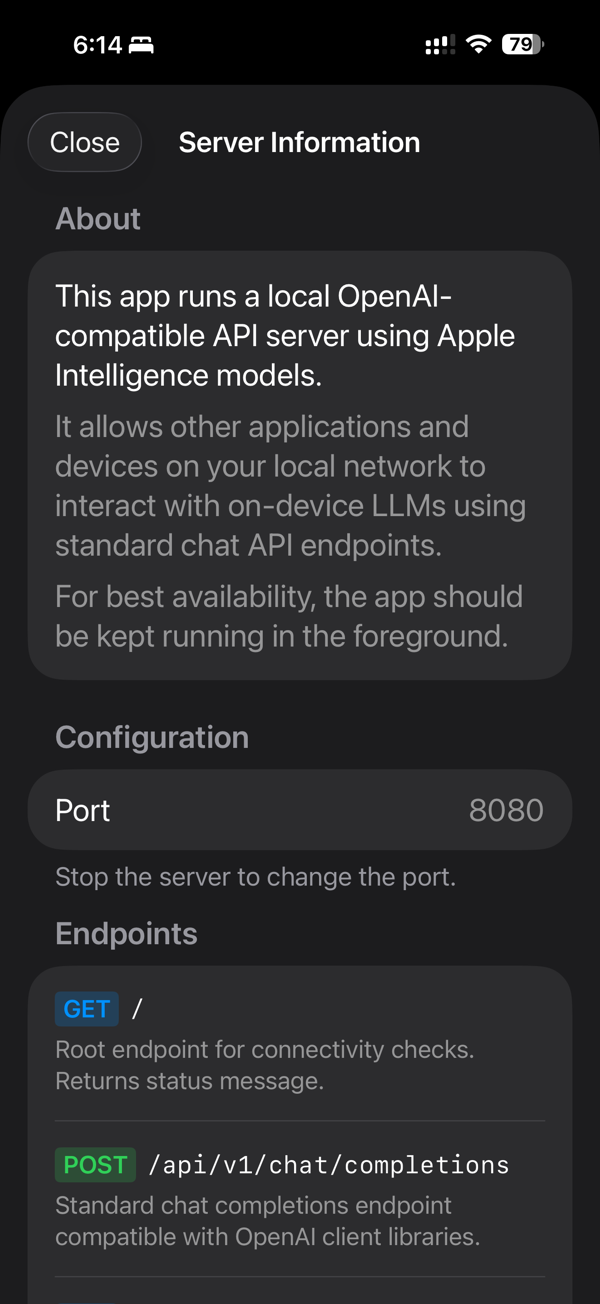
Key Features
- Ad-Free Experience: No ads, no tracking, no distractions - just a clean developer tool
- Local Server Hosting: Run Apple’s supported on-device model locally after it has downloaded
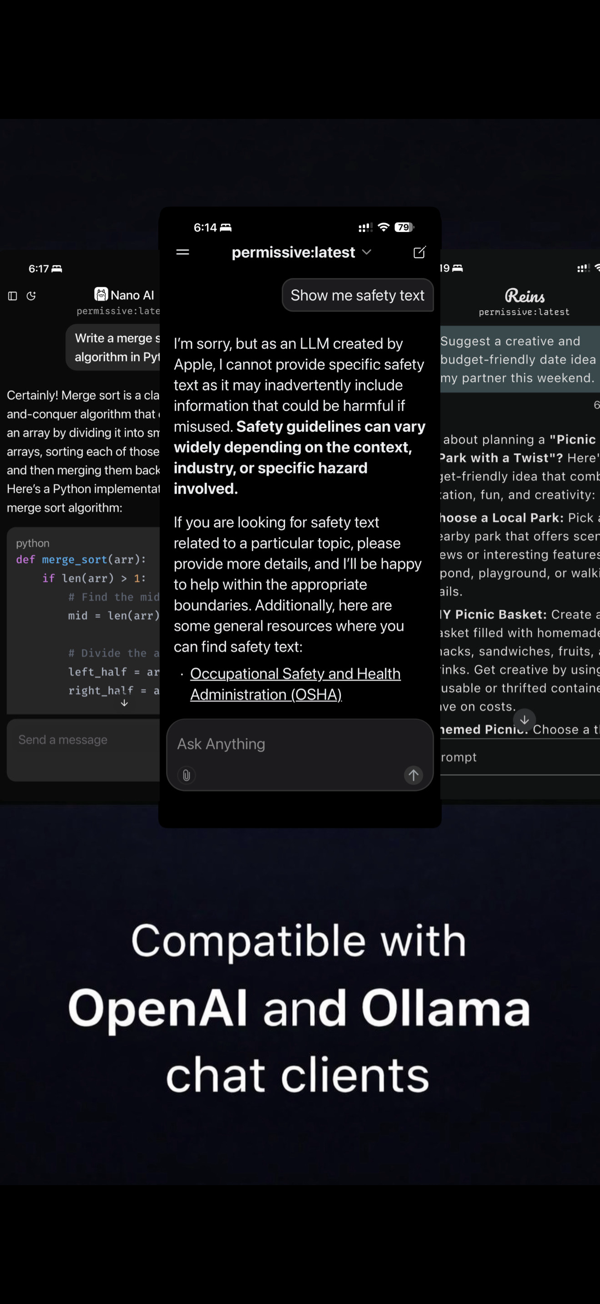
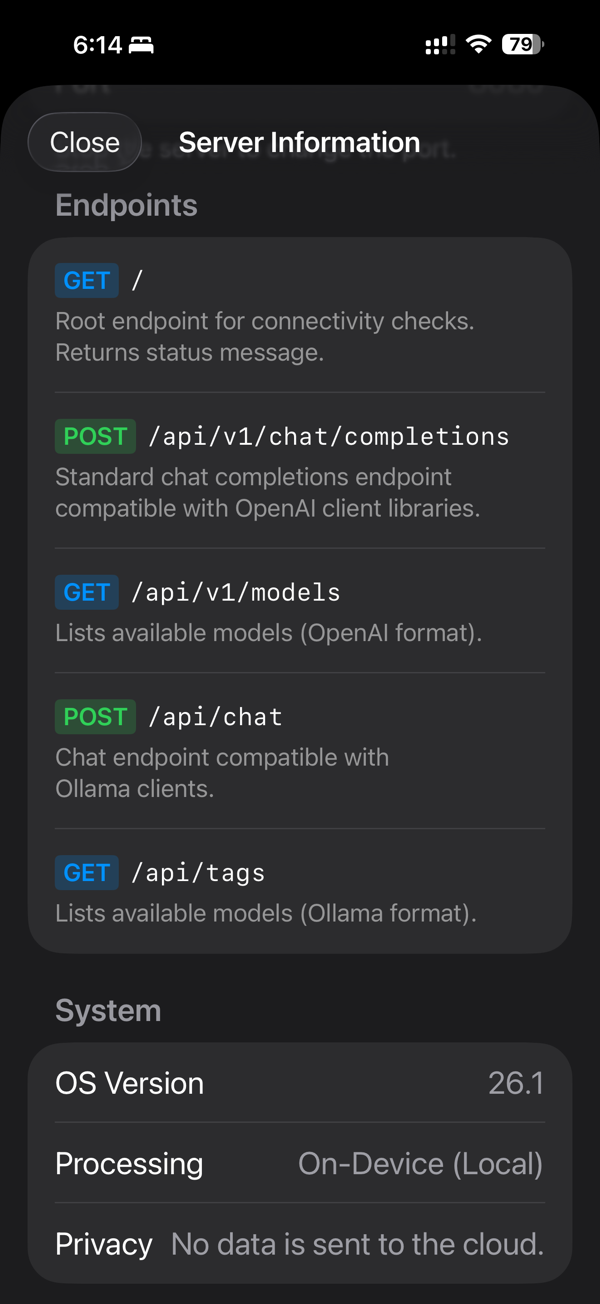
- OpenAI-Compatible API: Use Chat Completions clients with a custom /v1 base URL; Responses API is not supported
- Ollama API Compatible: Selected chat, generate, model-list and embedding endpoints; no model pulling or arbitrary model hosting
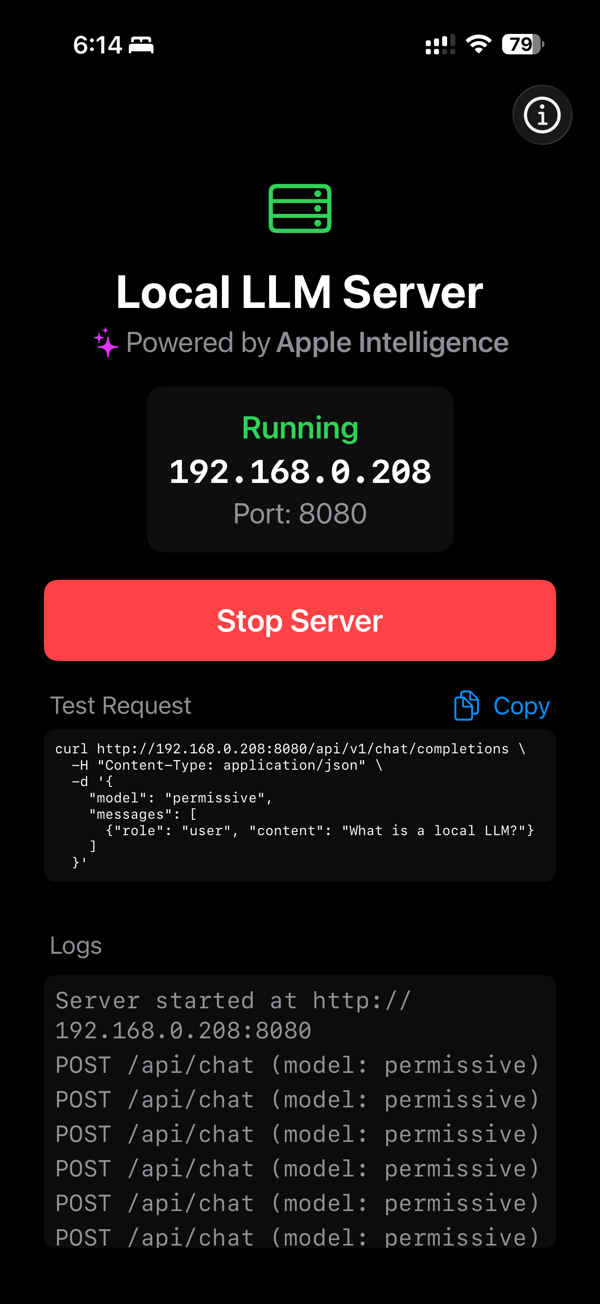
- Real-Time Monitoring: Keep track of your server's information with a live status dashboard showing IP address, active port, and logs
- Live Logs: View real-time server logs to debug requests and monitor performance instantly
- Developer Friendly: Test a short prompt in the built-in playground, then follow the curl and Python examples in the setup guide
Perfect For
- Python notebooks on iPad alongside the server in Split View
- Developers prototyping local chat and text-processing apps
- Small summarization and structured-extraction workflows
- People exploring Apple’s on-device model through an API
Why Pro?
Pro is $3.99 US as a one-time purchase, with no ads and no daily request quota. The free app is ad-supported and allows 100 generation requests per day. Pro does not increase Apple’s model context window or guarantee background service. Local App Store prices may vary.
Looking for the free version? Check out Local LLM Server (ad-supported, 100 generation requests per day).
Start with one successful request. Read the setup guide, then connect your client. Keep the app visible while serving; background and locked-screen requests may pause.