Voice Pad
Talk it out. Text it out.
Real-time voice transcription powered by Apple SpeechAnalyzer. Fully on-device, private by design, and works completely offline. Enhance your transcriptions with AI to turn voice into polished emails, notes, summaries, and more.
Requires iOS 26.0 or later.
Screenshots
Key Features
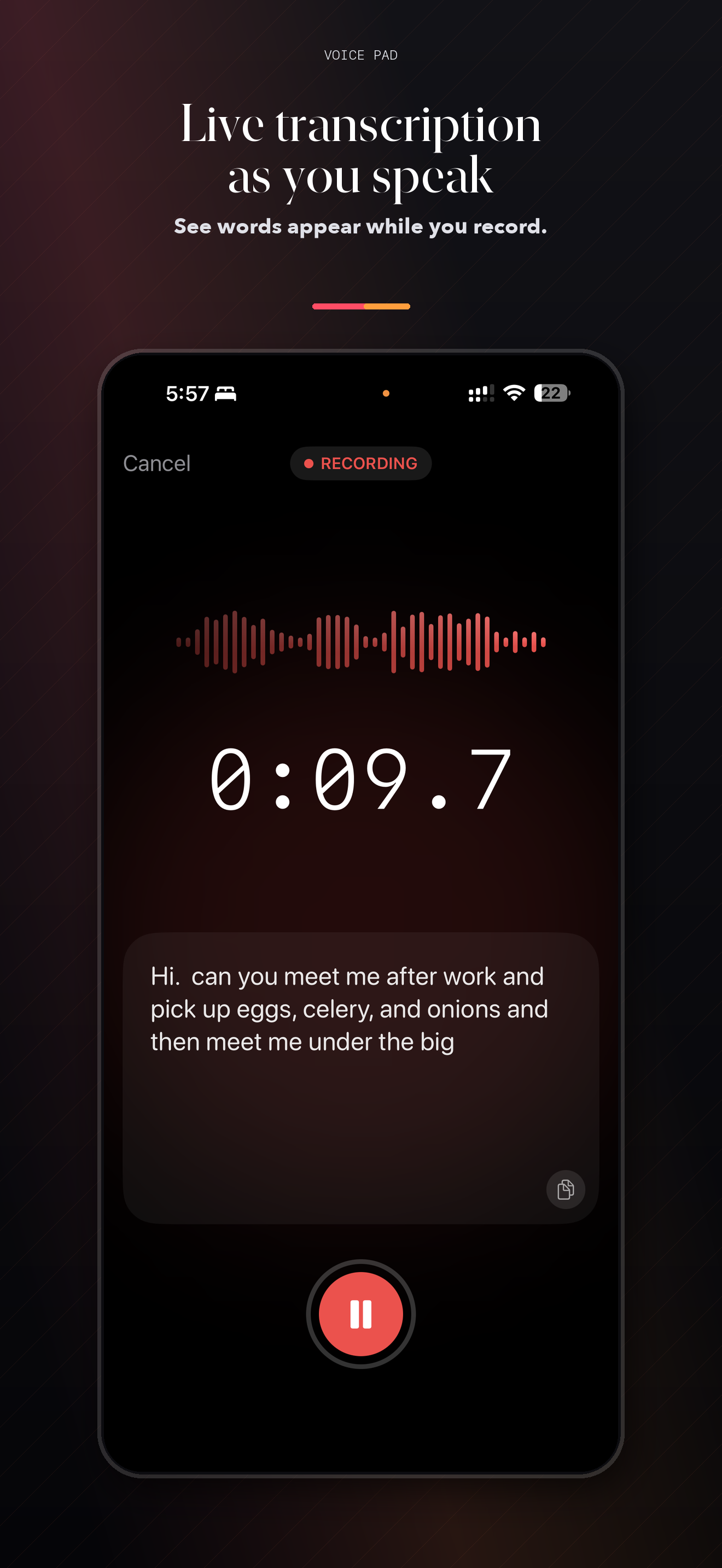
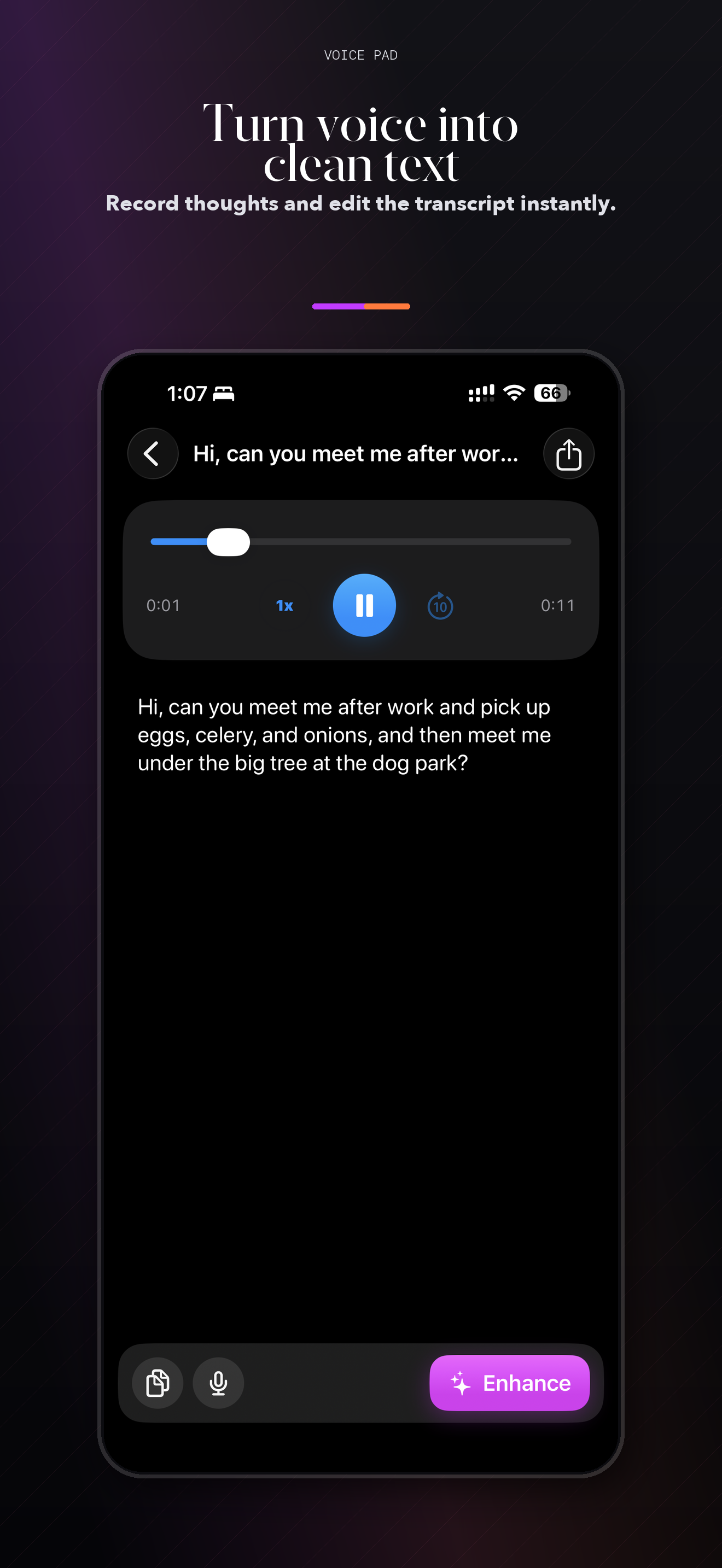
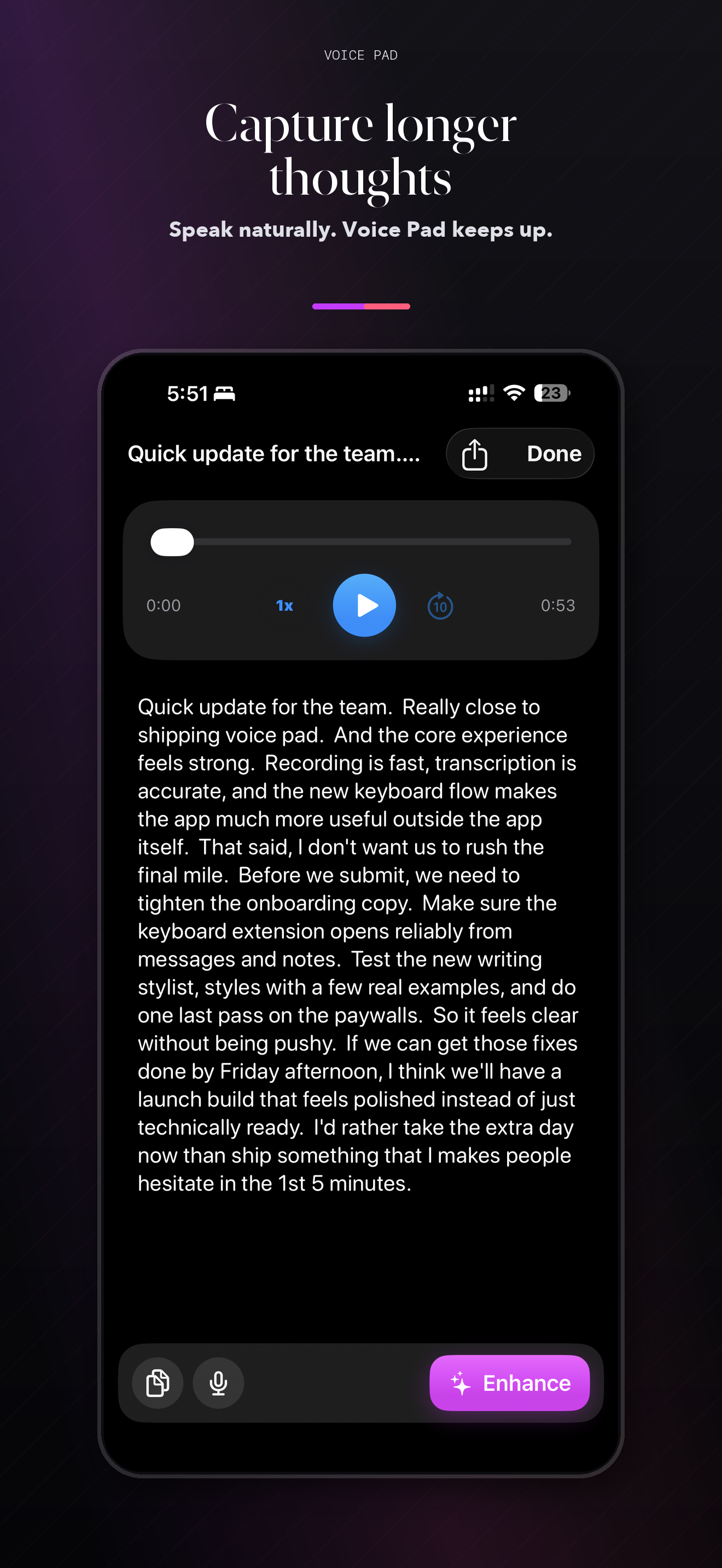
- Real-Time Voice Transcription: Powered by Apple SpeechAnalyzer (iOS 26+), your speech is transcribed instantly as you talk — all processing happens on-device.
- Fully Offline & Private: No internet required for transcription. Your audio and text never leave your device. No data is sent to Apple or any server.
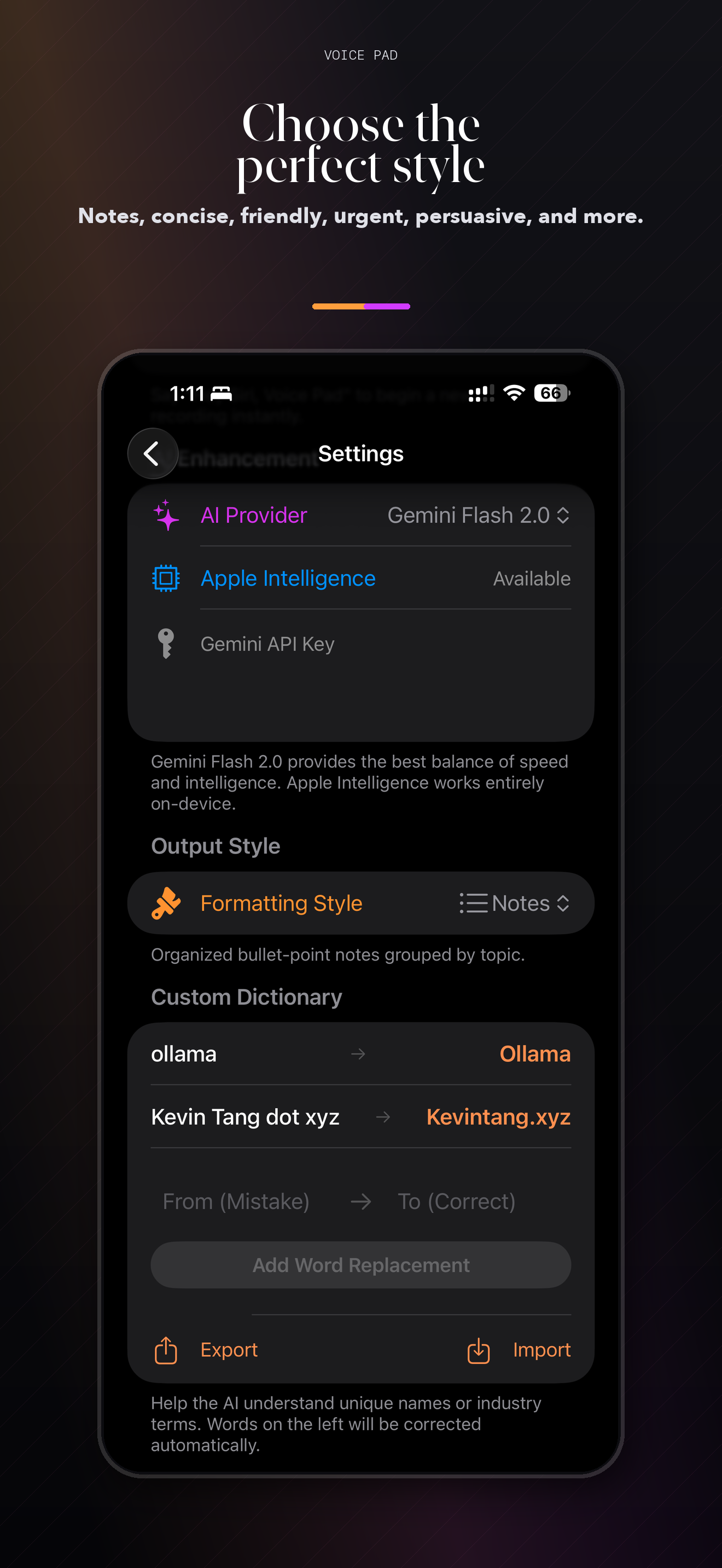
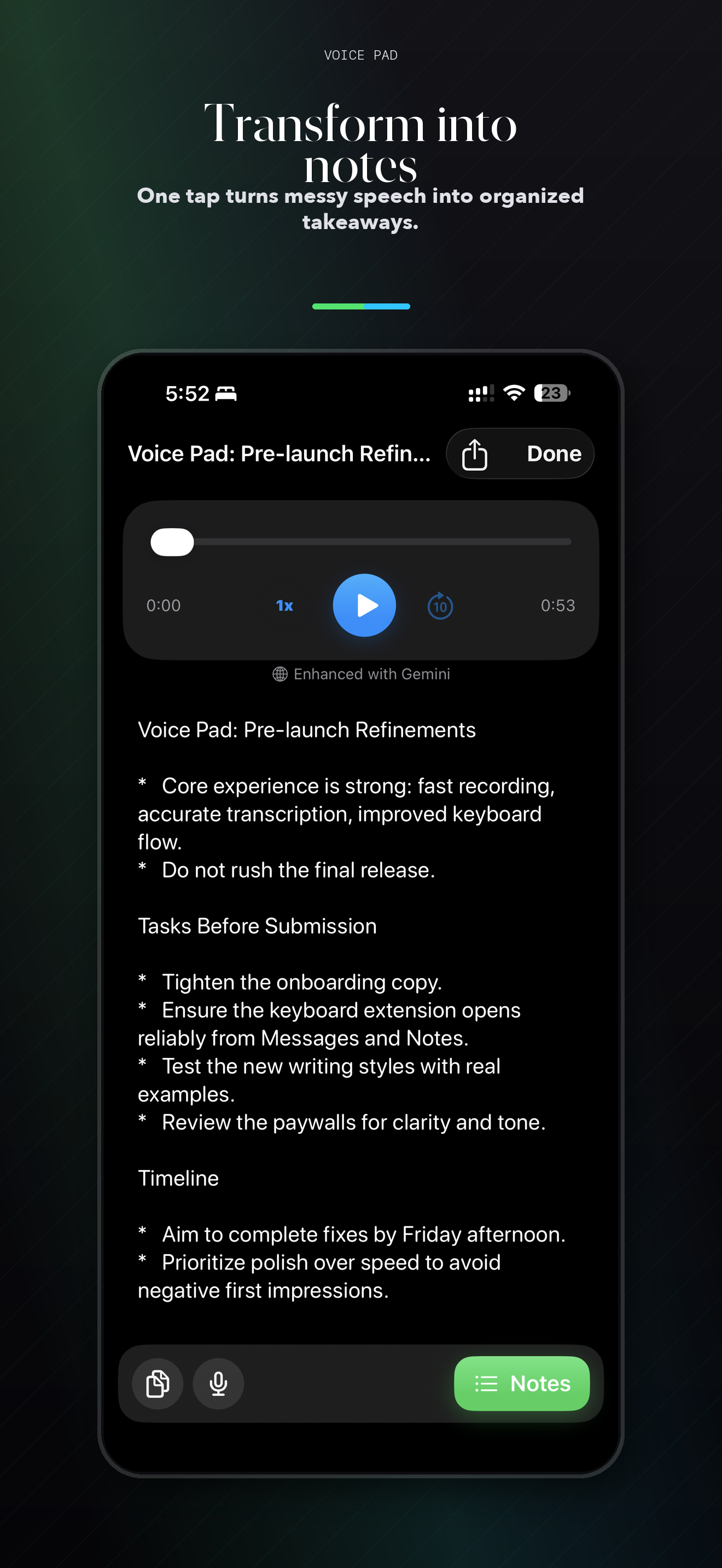
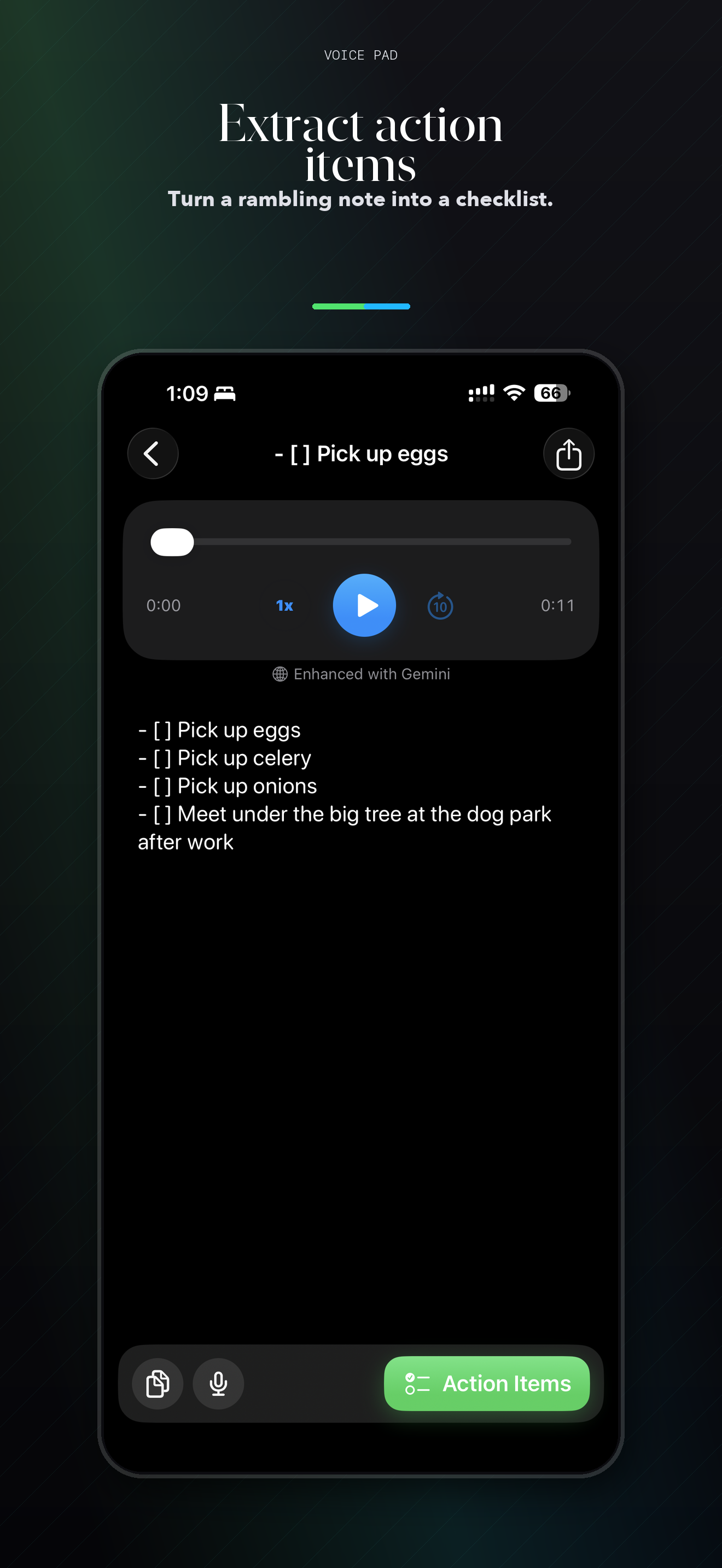
- AI Text Enhancement: Reformat transcriptions as concise notes, action items, summaries, emails, friendly messages, persuasive drafts, brainstorms, stories, and more using Gemini or Apple Intelligence.
- Custom Formatting Styles: Create your own AI formatting instructions to match your workflow — meeting minutes, journal entries, or anything you need.
- Word Dictionary: Fix commonly mis-transcribed words automatically. Add custom corrections for names, jargon, and technical terms.
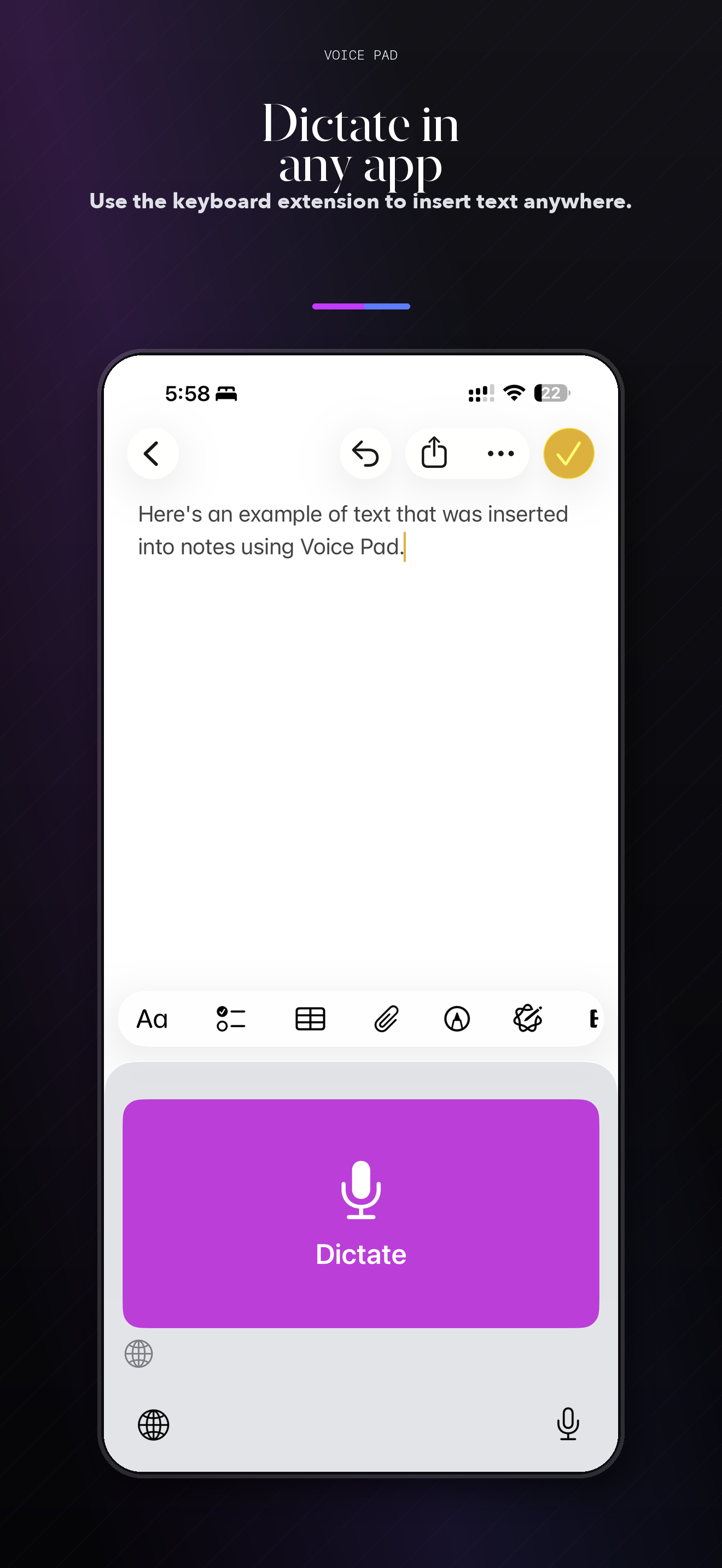
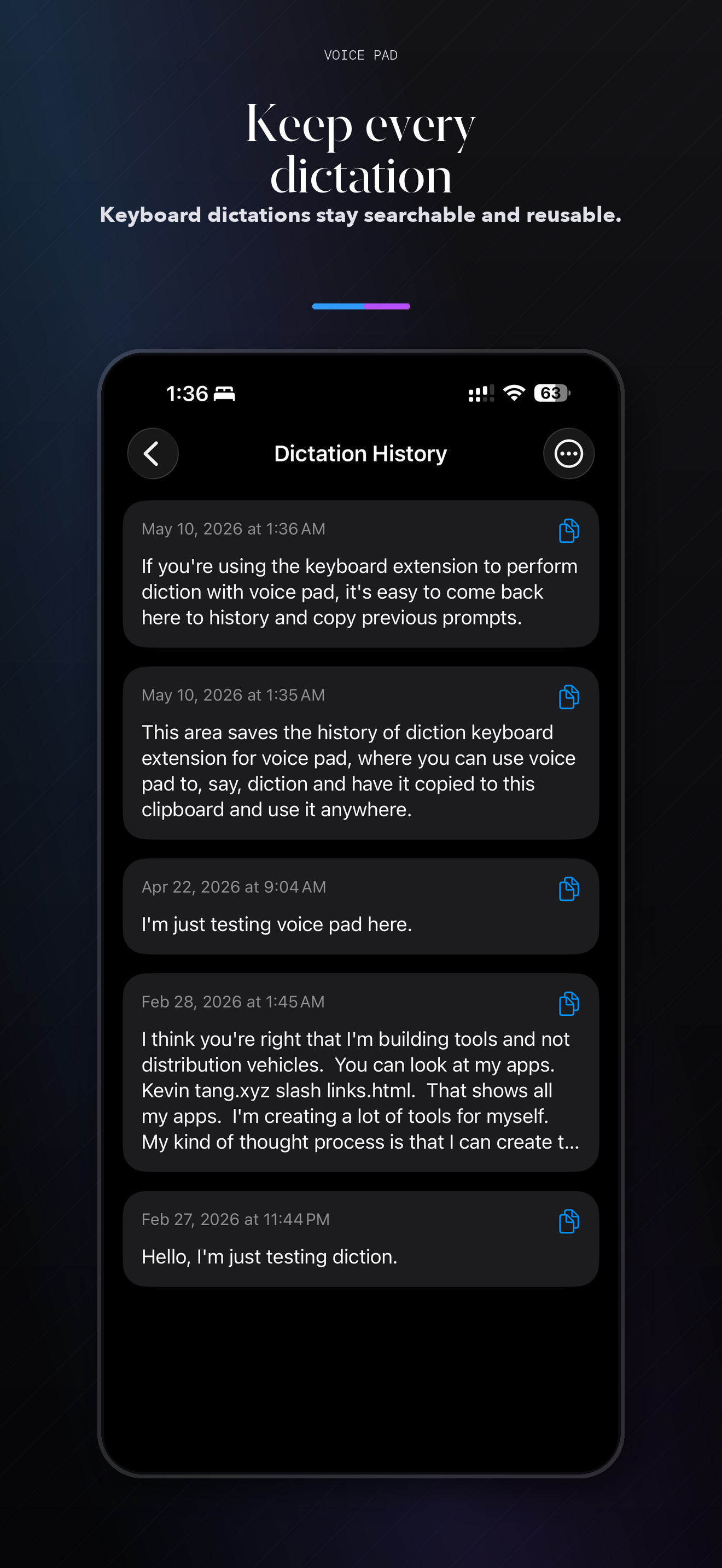
- Keyboard Extension: One-tap dictation from any app. The Voice Pad keyboard brings transcription wherever you type.
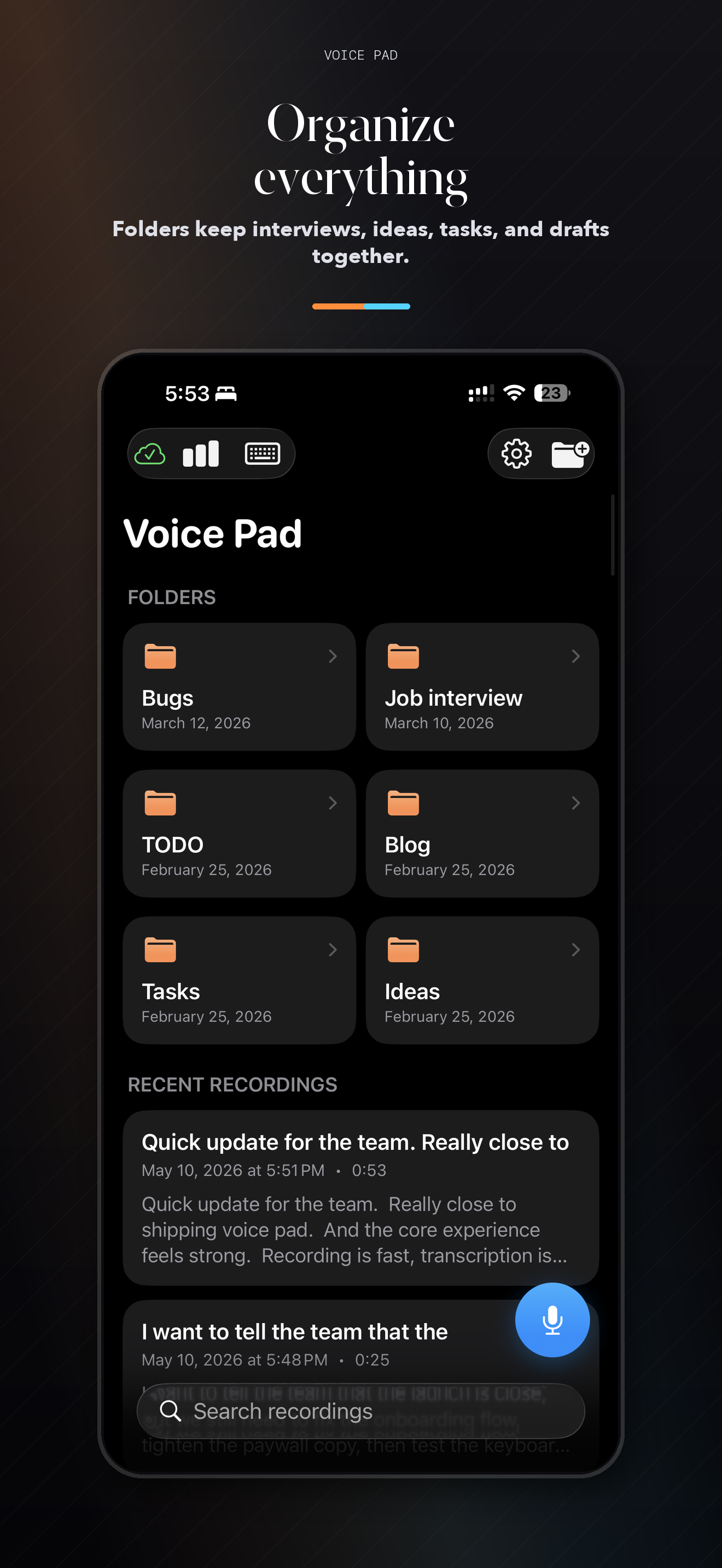
- Folder Organization: Keep your transcriptions organized with folders. Find what you need quickly.
- Audio Playback: Replay your recordings with adjustable speed control to review what was said.
- iCloud Sync: Access your recordings and transcriptions across all your devices with iCloud.
- Siri Shortcut: Start a new transcription hands-free with Siri integration.
- Dark Mode: Full dark mode support for comfortable use any time of day.
AI Enhancement Formats
- Concise — compress rambling thoughts into the shortest useful version
- Notes — organize spoken ideas into clear, grouped bullet points
- Action Items — extract concrete tasks, owners, and next steps
- Friendly — make a message warm and direct without sounding fake
- Persuasive — strengthen an idea with clearer reasoning and momentum
- Diplomatic — soften sensitive wording while keeping the point intact
- Brainstorm — turn a rough thought into options, angles, and ideas
- Story — reshape dictation into a more narrative draft
- Email — turn spoken notes into a clear, sendable email
- Summary — get the key points from a long recording
- LinkedIn Post — craft a polished professional update
- Custom — write your own formatting instructions
Voice Pad Pro — $4.99 One-Time
Unlimited recording, AI text enhancement, and folder organization. No subscriptions.
Perfect For:
Capturing ideas on the go, drafting emails by voice, taking meeting notes, journaling, dictating messages in any app, and anyone who thinks better out loud.
Note: Real-time transcription with Apple SpeechAnalyzer requires iOS 26 or later. AI enhancement via Gemini requires a user-provided API key. Apple Intelligence enhancement runs entirely on-device.