
Rearview Mirror
Quick Camera Check from Your Menu Bar
Rearview Mirror gives you a quick camera preview right from your menu bar. Flip you mirror down and check your hair, lighting, and background before joining that important video call. Always stay camera-ready.
Screenshots
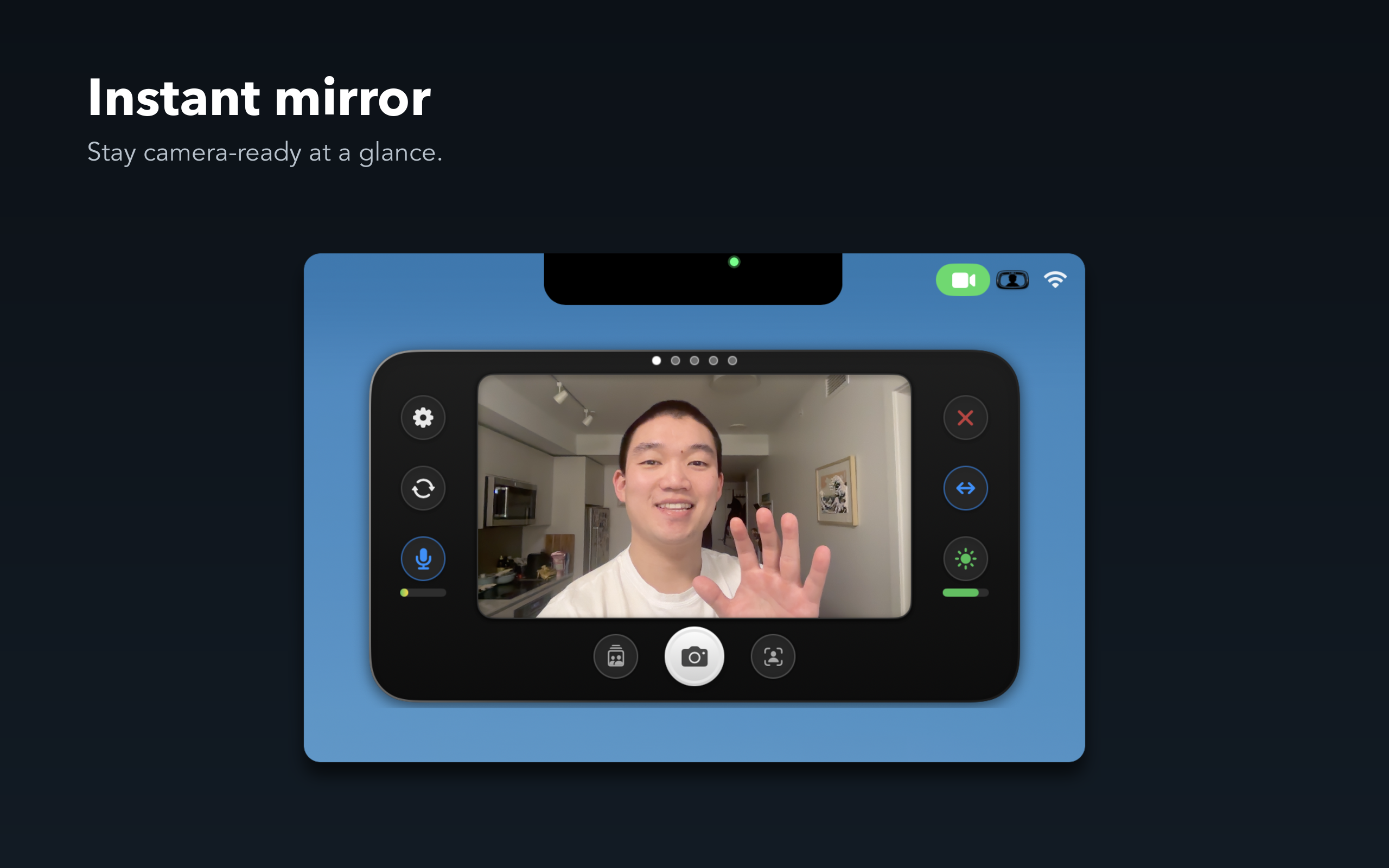
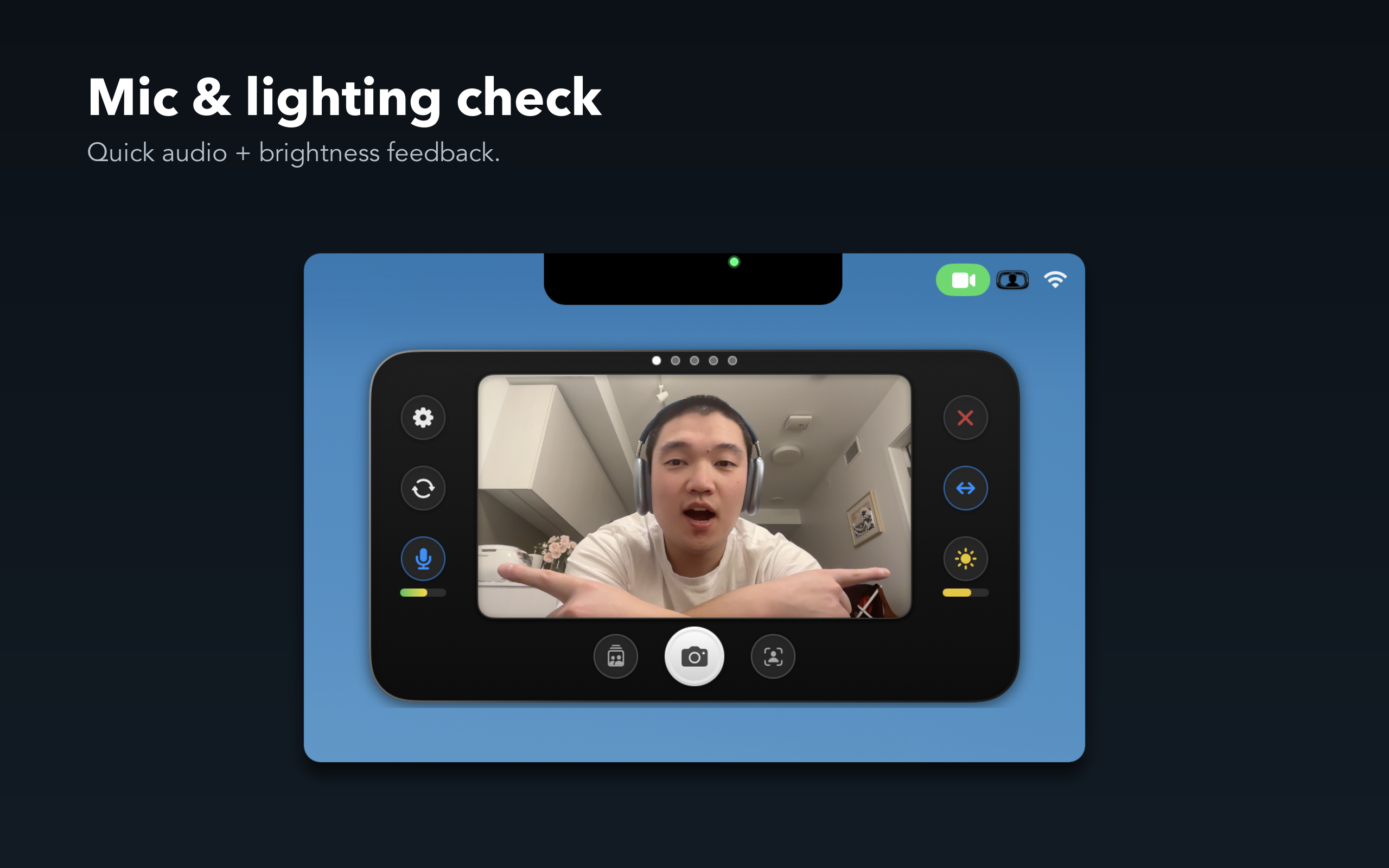
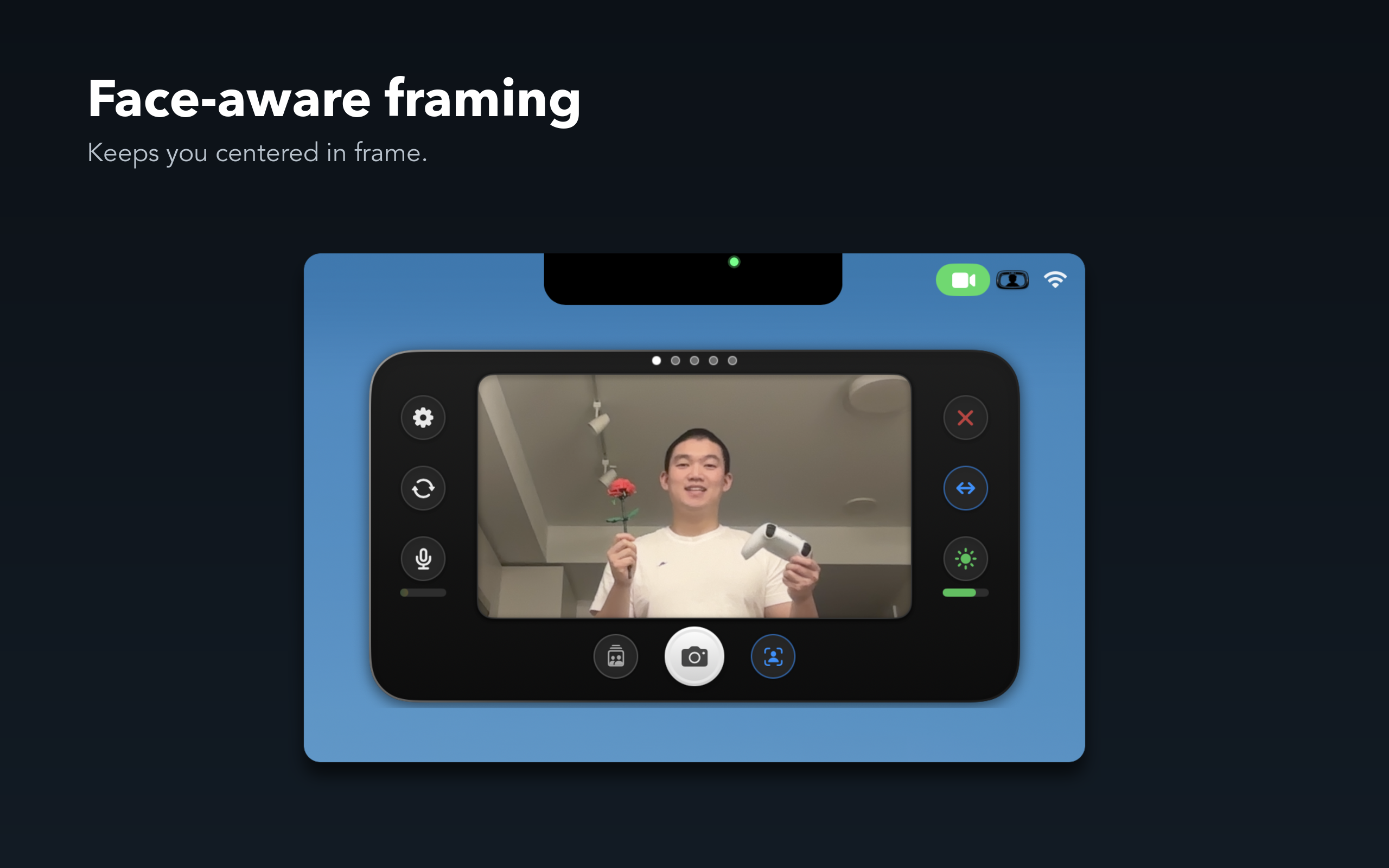
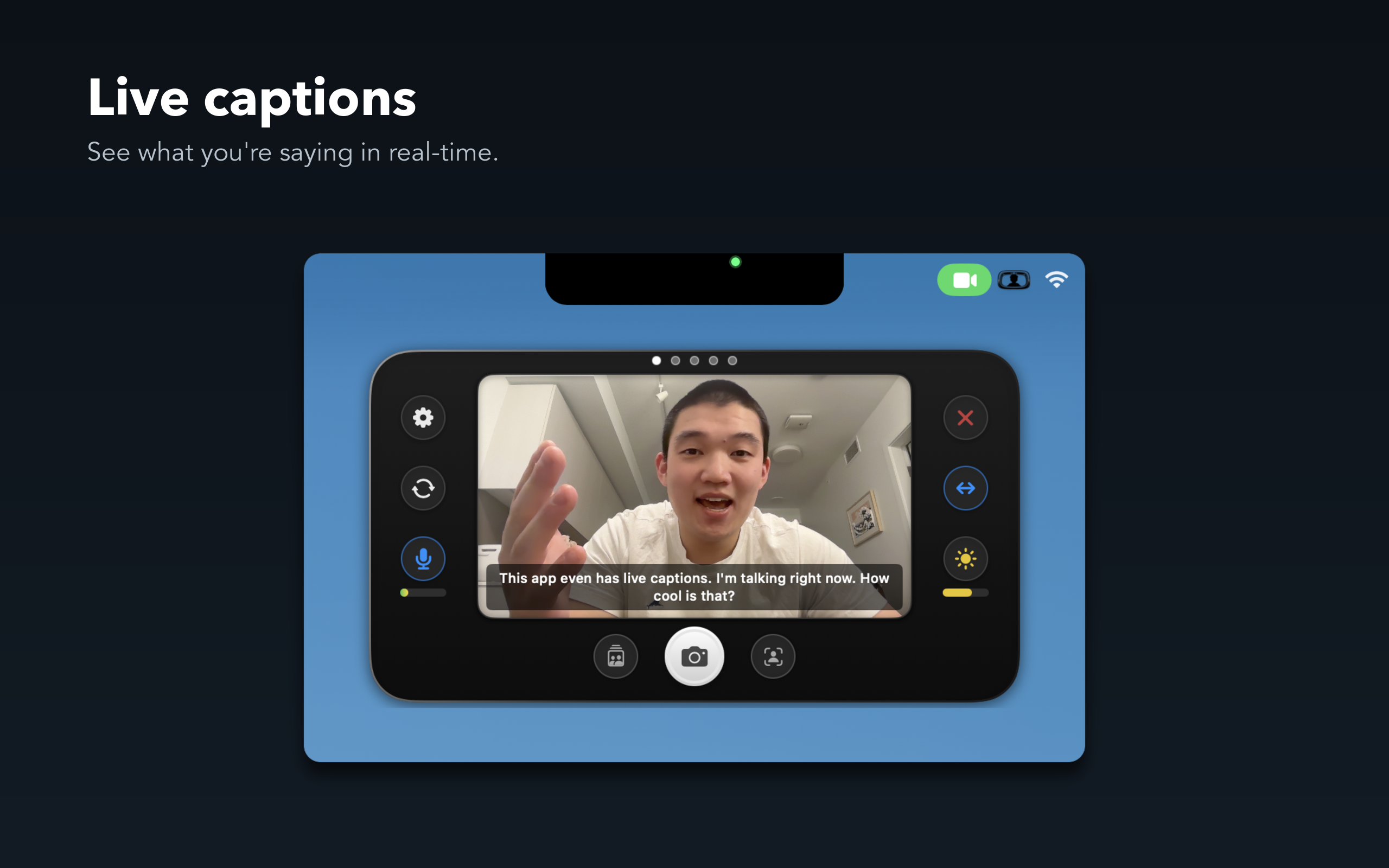
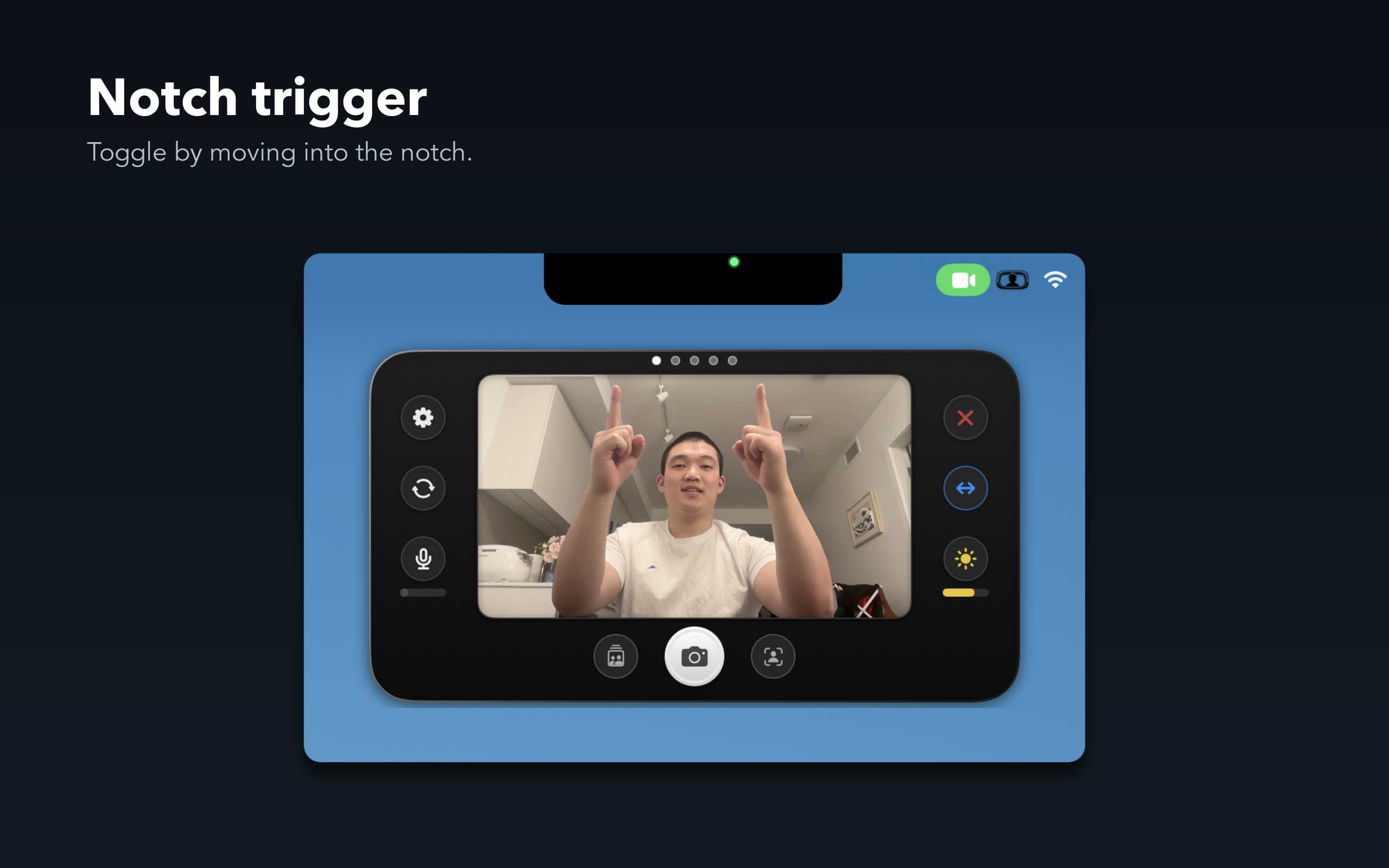
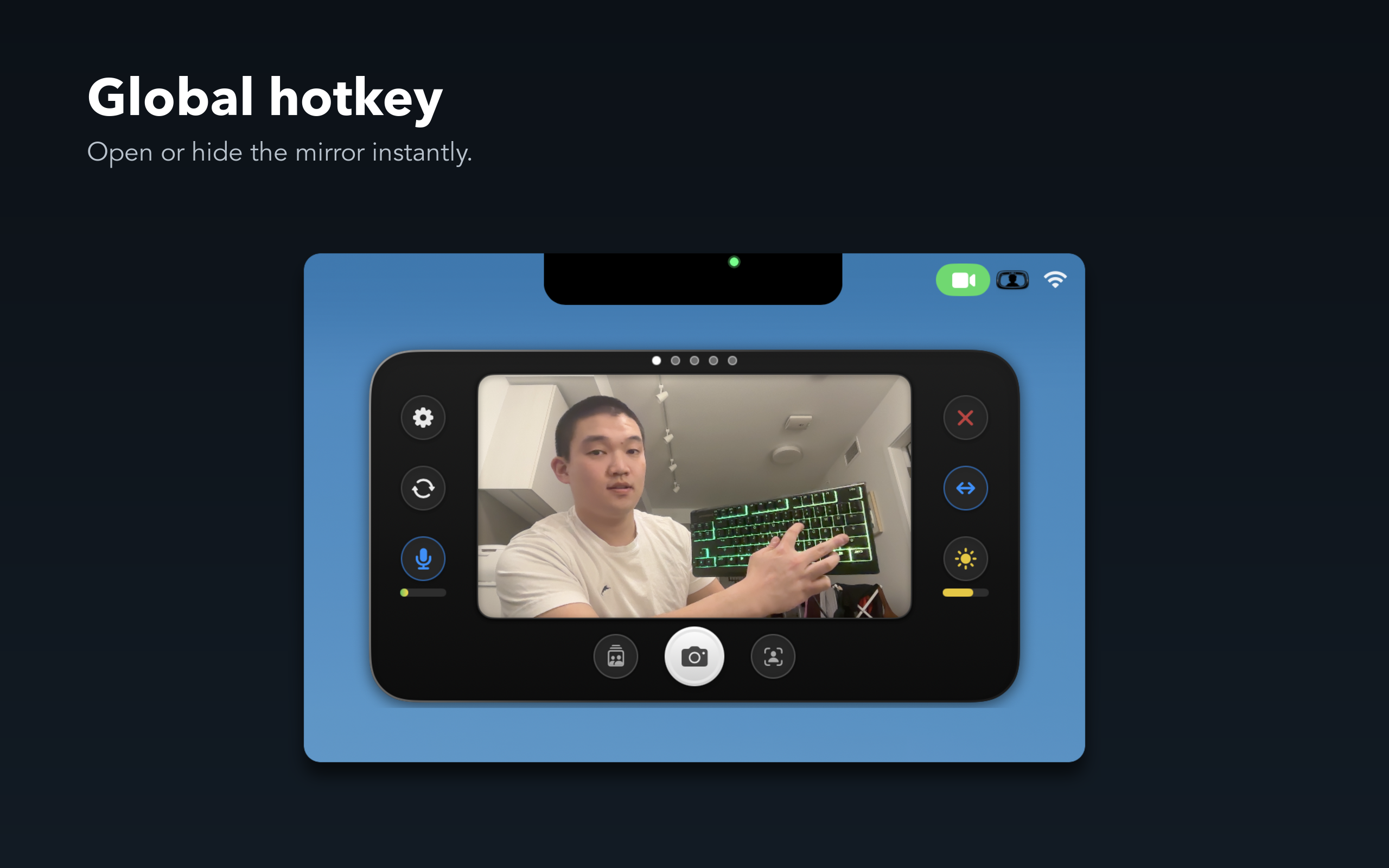
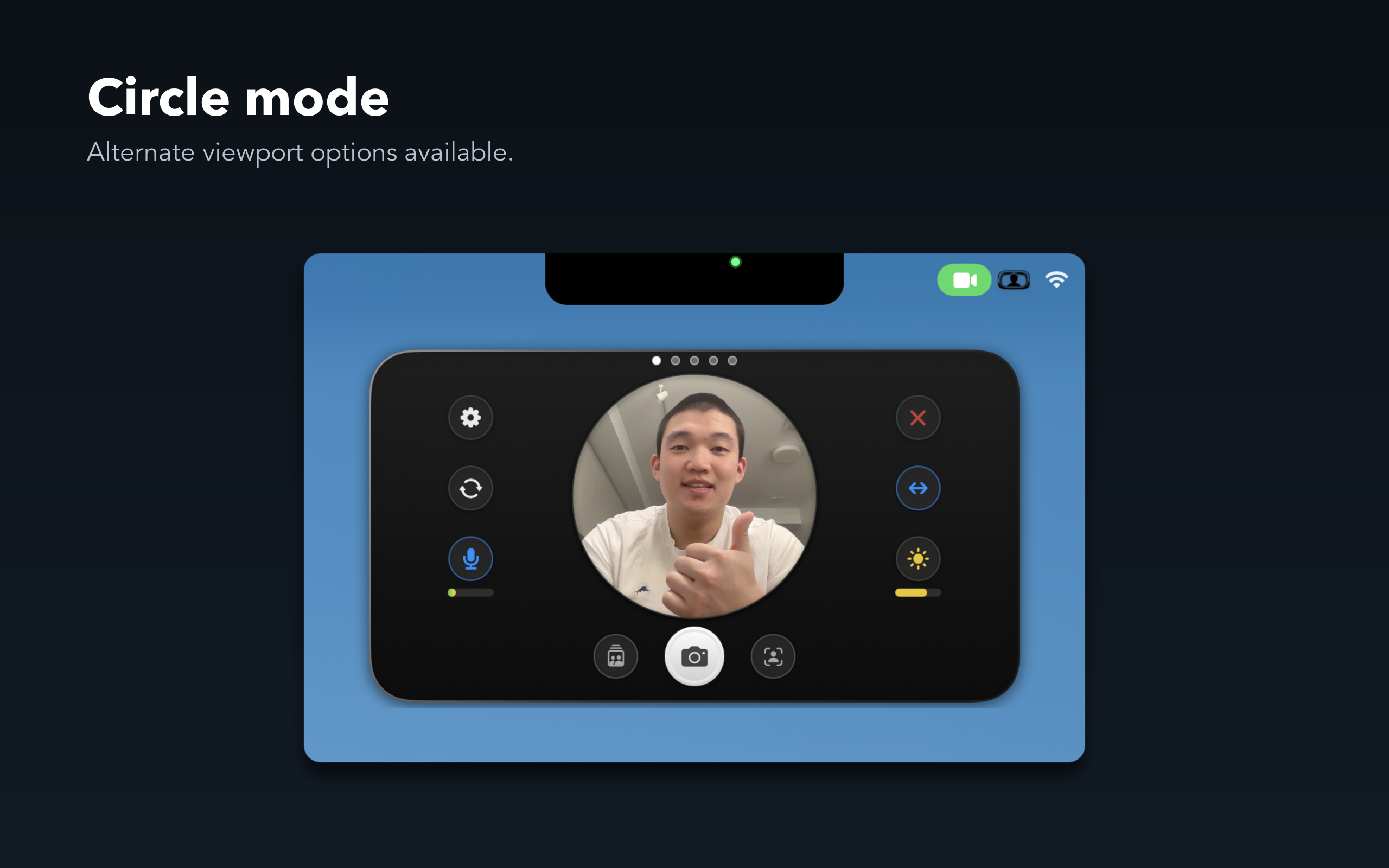
Or use it as a way to always show your face and always keep it centered in frame for recording or streaming your desktop — Rearview Mirror ALWAYS stays on top of other windows.
Instant Access
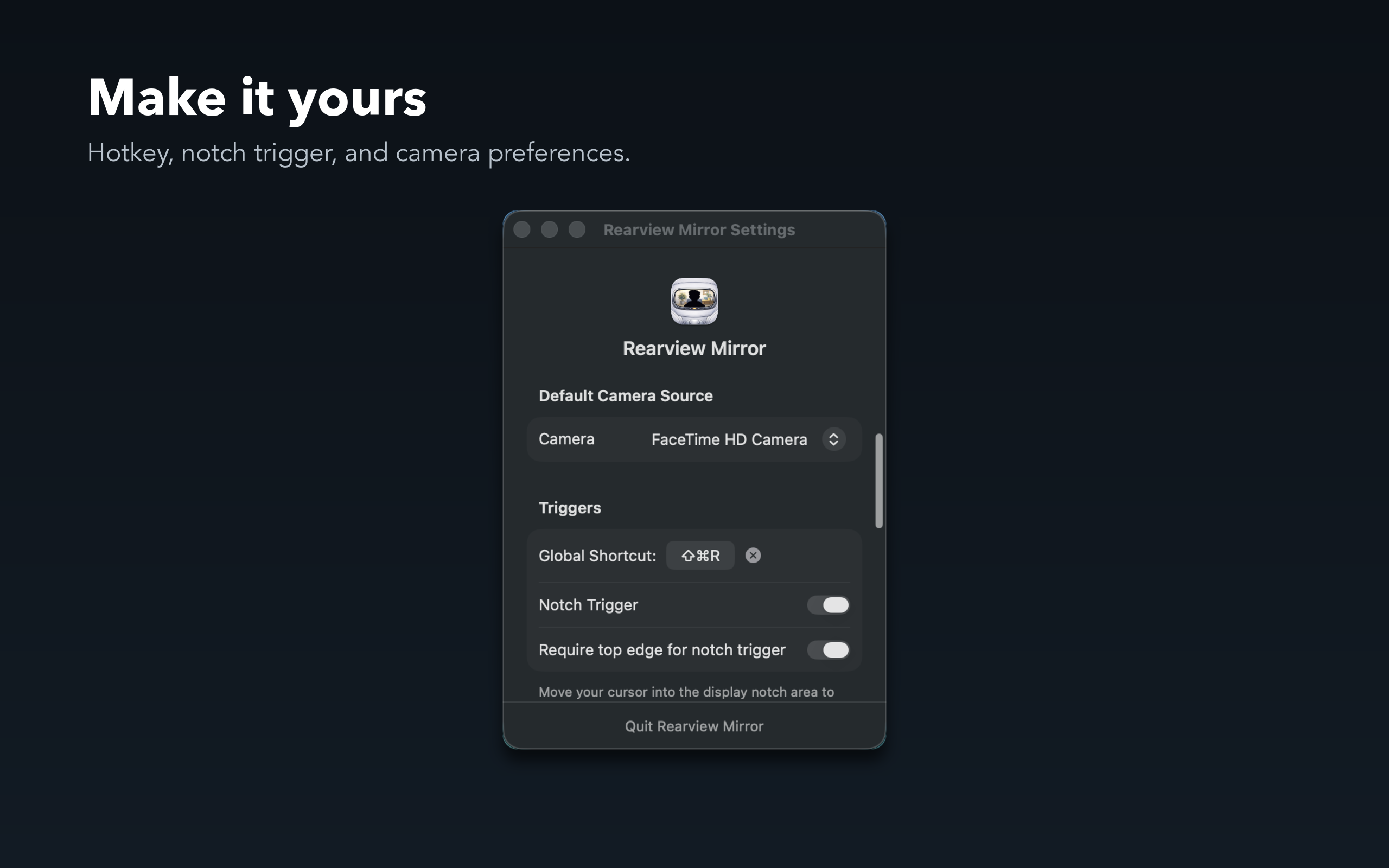
- Global Customizable Hotkey — Default ⇧⌘R to show or hide instantly
- Notch Trigger — Just move your cursor into the notch to peek
- Menu Bar App — Always one click away
- Floating Window — Stays on top of other apps
Look Your Best
- Face-Aware Framing — Keeps you perfectly centered in frame
- Mic Level Indicator — Ensures you're not muted
- Lighting Check — See your lighting before going live
- Ring Lighting — Press sun icon to highlight your eyes and brighten your face
- Live Captions — See what you're saying in real-time
Capture the Moment
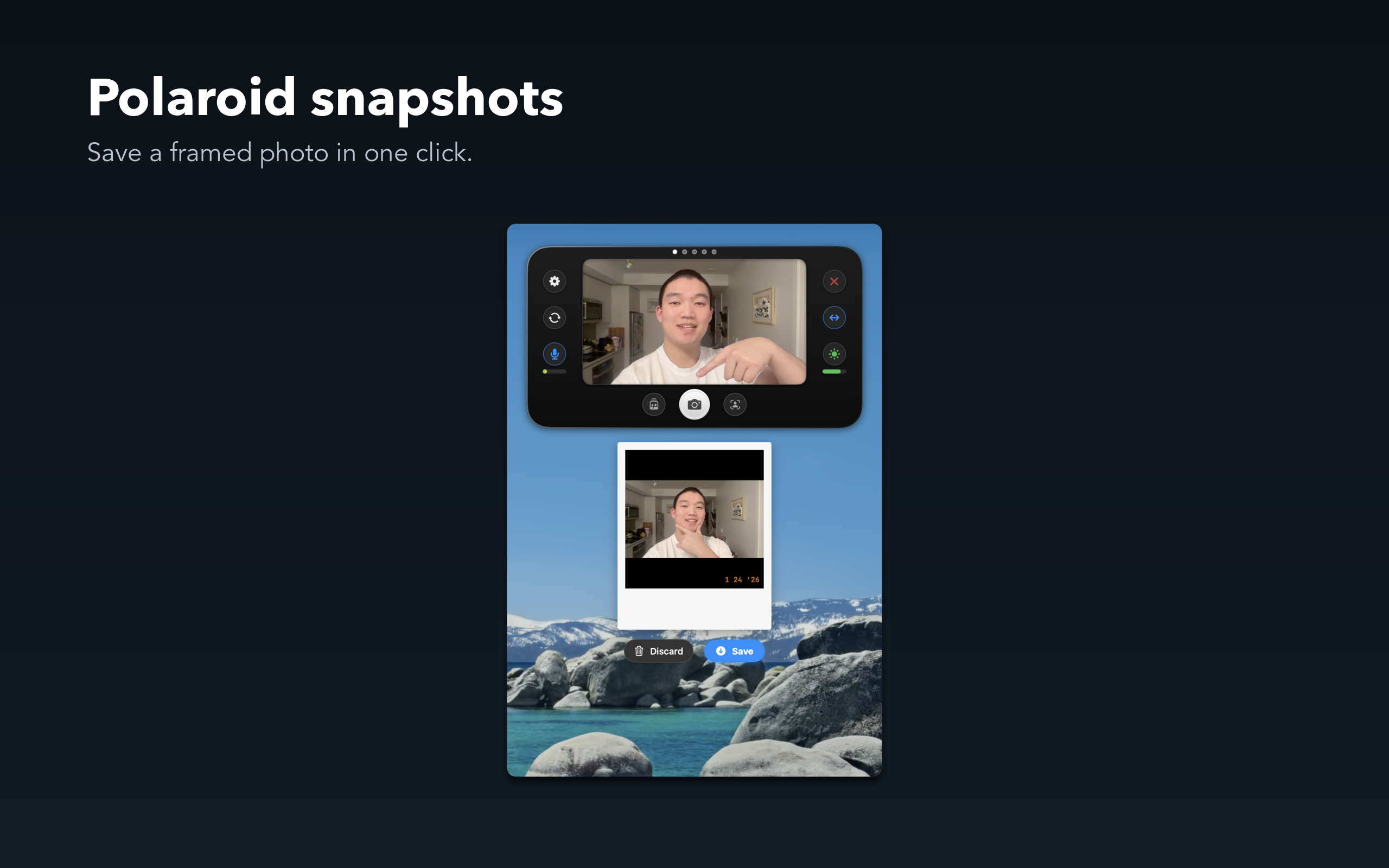
- Polaroid Snapshots — Save a framed photo with one click
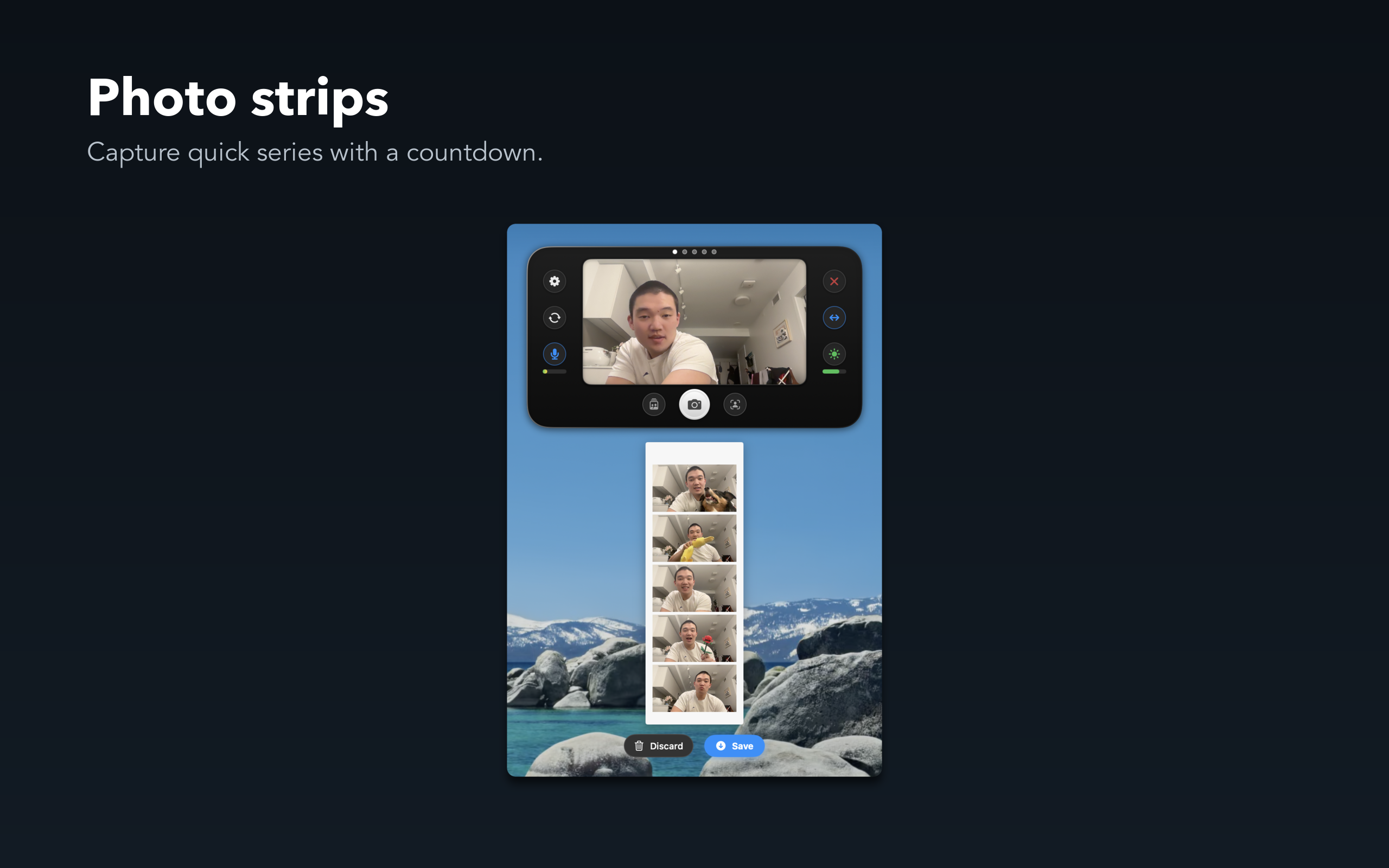
- Photo Strips — Capture 5 shots with a countdown
- Quick Save — Photos save directly to your files
Make It Yours
- Multiple Viewport Shapes — Rounded, soft, or circle
- Adjustable Window Sizes — From compact to extra large
- Customizable Global Hotkey — Set your preferred shortcut
- Launch at Login — Always ready when you are
Perfect For
- Remote workers and professionals
- Teachers and educators
- Content creators and streamers
- Anyone who spends time on video calls
Privacy Focused
Your camera feed stays on your device. No data is collected or transmitted.
Download Rearview Mirror today and never join a video call unprepared again.